Create an Azure Synapse Analytics SQL Pool
Adding a new SQL Pool
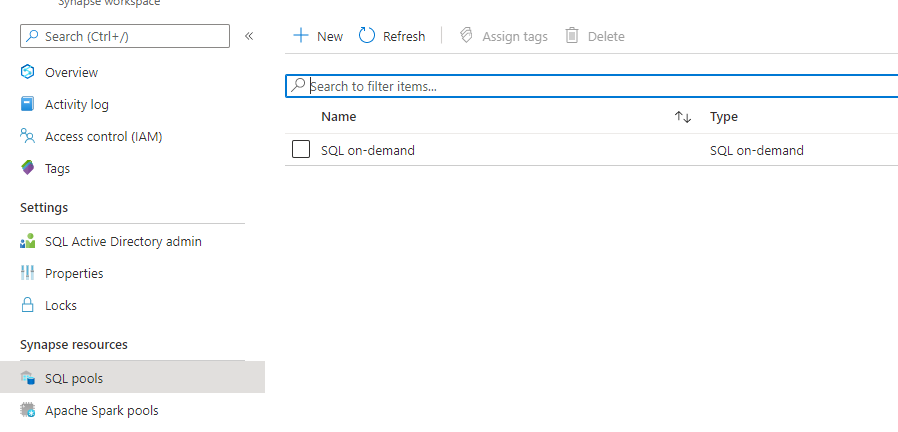
There are 2 options to create a SQL Pool. Go to your Synapse Workspace in de Azure Portal and add a new SQL Pool.

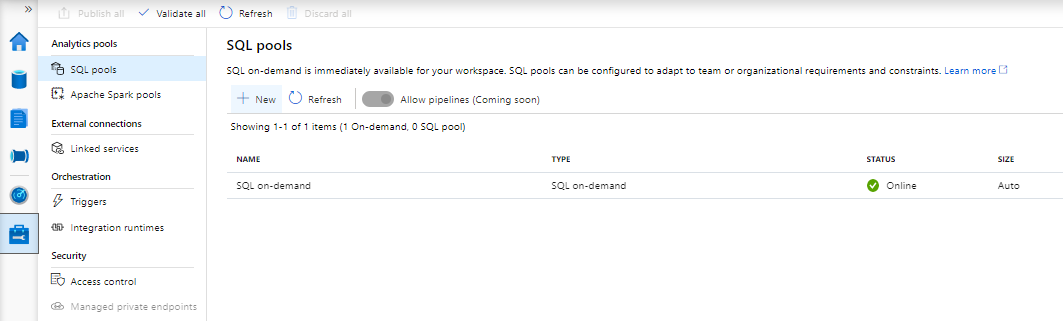
Or go to the Management Tab in your Azure Synapse Workspace and add a new Pool.

Creating a new SQL Pool
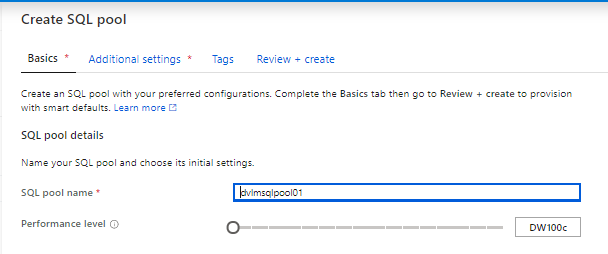

SQL Pool Name (SQL pool name should not be greater than 15 characters) and select the correct Performance Level. Be careful in selecting the Performance Level. DW 1000c will cost you € 12,73 per hour excluding storage. My advice is to start small and scale up when necessary. More about DWc units can be found here.
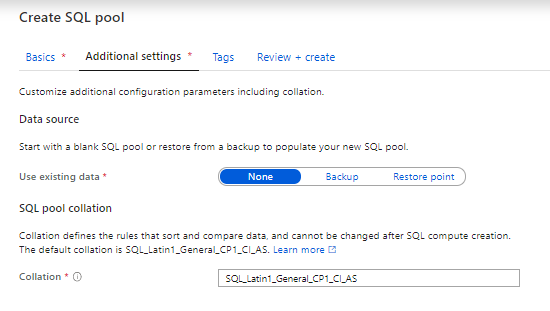

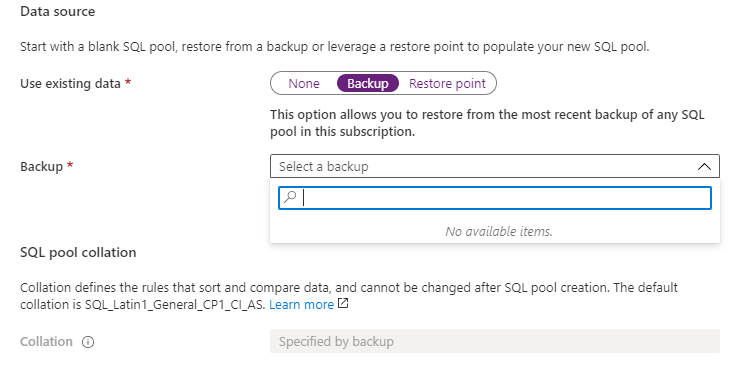
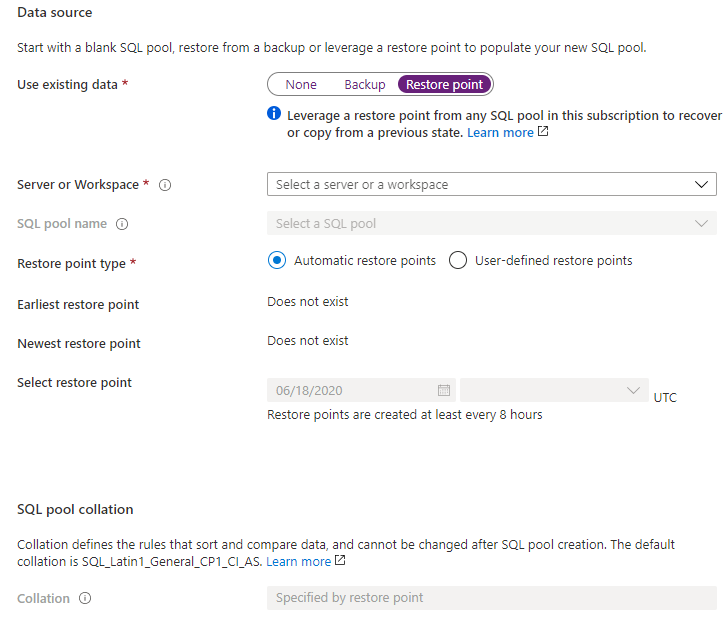
If you want to use Data from an existing pool, select Backup or Restore Point. Otherwise select none
Use existing data-Backup

Use existing data-Restore Point

Use existing data-None
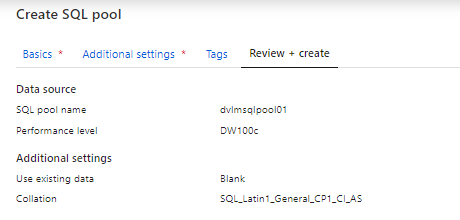

Review your settings and your SQL Pool will be created.
Remarks
Be aware that if you already have another Azure SQL DW running, you cannot select or add it to your Azure Synapse Workspace.
Adding an SQL pool is only possible via the Azure Synapse Workspace(Azure Portal or Studio).
If you install it as a standalone component through the Azure portal, the SQL Pool cannot be added to the Azure Synapse Workspace.


And if you don't use your SQL pool please PAUSE it. It will save you a lot of money.