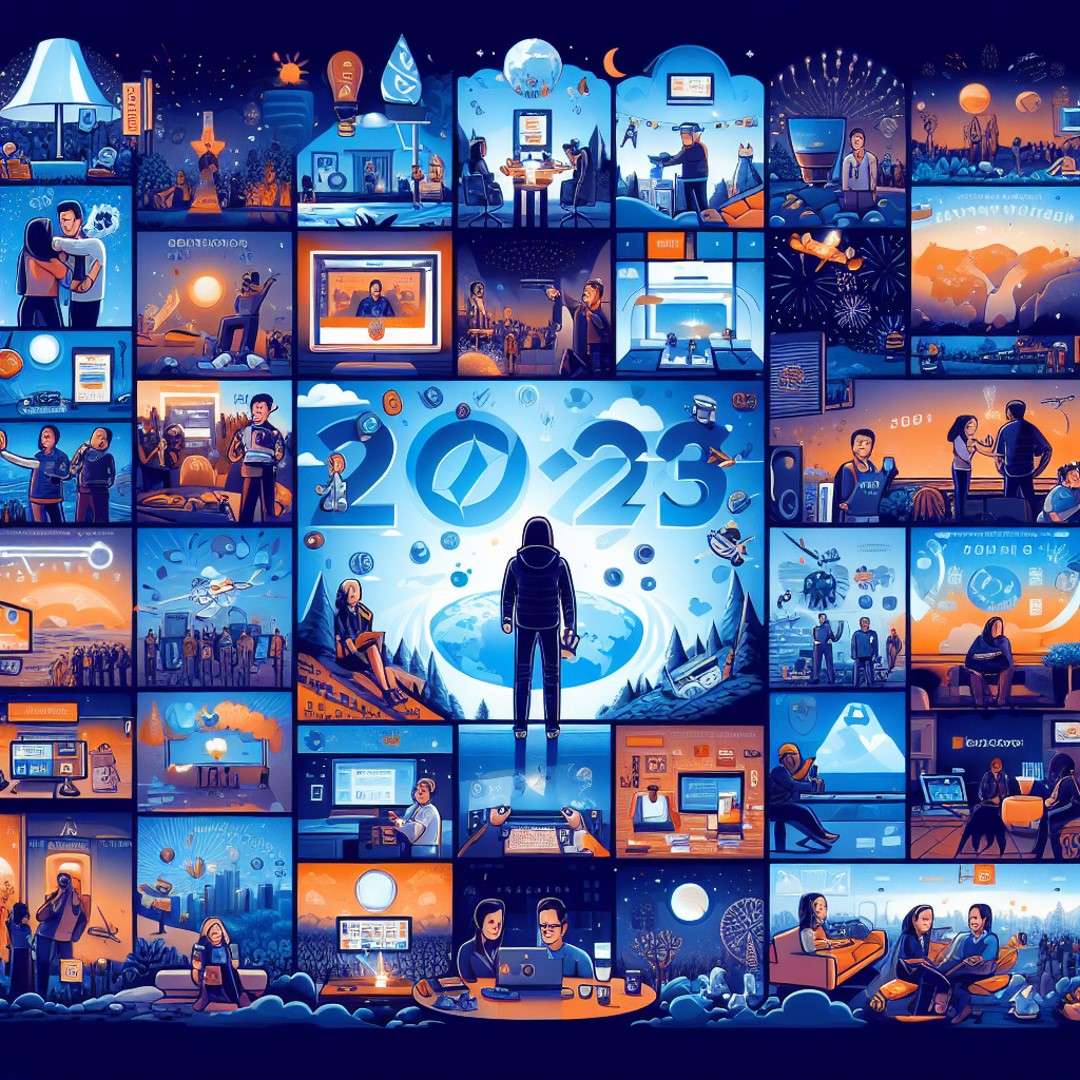
My 2023: A Year of Learning, Sharing and Growing
Microsoft Purview
As the year 2023 comes to an end, I want to take a moment to reflect on some of the amazing experiences I had in the past 12 months. It was a year full of learning, sharing and growing, both professionally and personally. I had the opportunity to attend, speak and help at various events, meet new people, visit new places, and become a part of the Microsoft Fabric community. Here are some of the highlights of my 2023:
My first MVP Summit in person in Redmond in April
One of the most memorable events of the year was attending the MVP Summit in person in Redmond, Washington. Visiting the Microsoft headquarters and meeting some of the brilliant minds behind the products and services I use every day. I learned a lot from the sessions, workshops and networking opportunities, and I also had a lot of fun exploring the campus and the city. It was an honor and a privilege to be part of this incredible community of MVPs.
Becoming a Microsoft Fabric Feature Partner in November
Another milestone of the year was becoming a Microsoft Fabric Feature Partner in November. Microsoft Fabric is a new SaaS data platform, I got early access to the platform and provided feedback and suggestions to the product team. I also got to showcase some of the features and benefits of Microsoft Fabric at various events.
Lauched the Microsoft Fabric Content Hub
With the Public review announcement of Microsoft Fabric there was so much content. With this Content hub I try to Stay up-to-date with the latest and most valuable content about Microsoft Fabric, all in one place! From insightful articles and tutorials to engaging videos and community blogs, you’ll find a treasure trove of resources to deepen your understanding. It is one of my best visisted pages this year on my blog
Microsoft Fabric Content Hub - Erwin & Data Analytics (erwindekreuk.com)
Attending and helping during Microsoft Ignite in Seattle in November
Microsoft Ignite is one of the biggest and most exciting events of the year for anyone who is passionate about technology. I had the chance to attend and help during the event in Seattle, Washington. I was amazed by the scale and the quality of the event, and I enjoyed learning from the experts, meeting new and old friends, and discovering the latest innovations and trends in the industry. One of the highlights of the event was the announcement of Microsoft Fabric GA (General Availability), which marked the official launch of the platform to the public.
Speaking and visiting Legoland in June during Data platform Next Step
Data platform Next Step is a unique event that combines data and fun. It was held in June in Billund, Denmark, the home of Lego. I had the opportunity to speak at the event and share my experience and insights on Microsoft Purview. I also had a blast visiting Legoland, the original and largest Lego theme park in the world. It was like a dream come true for a Lego fan.
Helper/volunteer/speaker during SQLBits in March
SQLBits is the leading conference for data professionals to network, develop and share data knowledge in Europe, and it was held in March in Newport. I was happy to be a helper/volunteer at the event, and contribute to its success. I helped with the sessions and anything else that was needed. Besides helping, I had also one session on Microsoft Purview. I also learned a lot from the speakers, the sponsors, and the attendees, and I had a great time in Newport.
Did 2 sessions for SQLDay in May, my first time in Wroclaw, I’ve seen a lot of dwarfs
SQLDay is the biggest data platform conference in Poland, and it was held in May in Wroclaw, the fourth-largest city in the country. It was my first time visiting Wroclaw, and I was impressed by its beauty and history. I did two sessions for SQLDay, one on Microsoft Purview and one on Azure Synapse Analytics. I received positive feedback and questions from the audience, and I enjoyed sharing my knowledge and experience. I also had fun exploring the city and seeing a lot of dwarfs. Wroclaw is famous for its dwarf statues, which are scattered all over the city. There are more than 400 of them, and each one has a different story and personality.
Speaking at events like DataSaturday Stockholm, with an amazing speaker dinner
DataSaturday is a series of events organized by the data community for the data community. I had the chance to speak at several DataSaturday events throughout the year, in different countries and cities. One of them was DataSaturday Stockholm, which was held in May in the capital of Sweden. It was a well-organized and well-attended event, with a lot of interesting sessions and speakers. I spoke about Meta Data driven frameworks and how it can help data professionals to simplify and optimize their data pipelines. I also had an amazing speaker dinner, where I met and mingled with other speakers and organizers. It was a wonderful evening of food, drinks and conversations.
Visited Portugal for the first time to speak during the Iberian Summit
The Iberian Summit is a event from the Portuguese data community, and it was held in April in Olhao, Portugal. It was my first time visiting Portugal, and I was amazed by its culture, cuisine and scenery. I spoke at the event and shared my insights and tips on Azure Synapse Analytics. I also learned from other speakers and attendees, and I had a lot of fun in Olhao.
Had an awesome Inspiration weekend in June with my employer InSpark
InSpark is the company I work for, and it is the leading Microsoft partner in the Netherlands. In June, we had an awesome Inspiration weekend, where we went to a beautiful location and spent two days of learning, brainstorming, and fun. We had sessions and we also had activities, such as climbing. In the evening we had a great White party with beer and wine tastings. It was a great way to get inspired, motivated, and connected with my colleagues.
DataScotland in the Murrayfield Stadium in September
DataScotland is a data platform conference in Scotland, and it was held in September in Edinburgh, the capital of the country. It was a unique event, as it took place in the Murrayfield Stadium, the home of the Scottish rugby team. I spoke at the event and presented on Azure Synapse Analytics togehter with Mathias. I also enjoyed the sessions, the networking, and the atmosphere of the event.
Finally this year DataSaturday Holland was back again, where I spoke about Microsoft Fabric
DataSaturday Holland is the biggest data platform event in the Netherlands, and it was back again this year after a hiatus due to the pandemic. It was held in October in Utrecht, the fourth-largest city in the country. I spoke at the event and gave an overview of Microsoft Fabric and its features and benefits. I also attended some of the sessions, met some of the sponsors, and chatted with some of the attendees. It was a fantastic event, and I was glad to be a part of it.
Techorama Belgium and Techorama the Netherlands
This is year I Spoke at the Belgium and the Dutch Edition. I Belgium I spoke togehter with Marc on Power BI and Microsoft Purview. In Utrecht, the Netherlands I had 2 sessions, one on Microsoft Purview and one on Azure Synapse Analytics
Organized a customer event for all of Data and AI customers of InSpark, which was a really successful event
In September, I organized a customer event for all of the Data and AI customers of InSpark. The event was held in the DDX in Zoetermeer, and it was aimed to showcase some of the latest and greatest technologies and solutions in the data and AI space. I invited some of the experts from Microsoft and other partners to speak at the event, and I also spoke myself about Microsoft Fabric and how it can help customers to achieve their data goals. The event was a really successful one, with a lot of positive feedback and engagement from the customers.
Spoke at several community events
Besides the events I mentioned above, I also spoke at several other community events throughout the year, such as Power BI Gebruikersdag, Power BI gebruikersgroep and more. I always enjoy speaking at community events, as they are a great way to share my passion and knowledge, learn from others, and meet new and old friends. I am very grateful to the organizers, the speakers, and the attendees of these events, for making them possible and valuable.
On a personal level
On a personal level, I also had some achievements and experiences that I am proud of and happy about. One of them was participating in a training called Taking the Stage at the The Speech Republic, led by Natascha Jacobsz and Jantien Streefkerk-van der Meer. In four days, we learned how to take the stage and tell our own story. I do often stand on a stage, but my goal was to create an inspiring story that was not technical. The audience, consisting of family, friends and colleagues, could be themselves during my story. It was a nice step for myself, which was a goal of my training, but which I did not think possible at the beginning and until one of the last days.
Another personal experience that I enjoyed was closing the year with an amazing Christmask dinner with all my colleagues in het Rijk van Keizer in Amsterdam. It was a lovely evening of delicious food, drinks, and conversations. It was a perfect way to celebrate the end of the year and the start of the new one.
Conclusion
2023 was truly an amazing year for me. I learned a lot, shared a lot, and grew a lot, both professionally and personally. I had the opportunity to attend, speak and help at various events, meet new people, visit new places, and become a part of the Microsoft Fabric community. I want to thank everyone who was a part of my 2023, for making it a wonderful and memorable year. ❤️
Let’s celebrate the memories we’ve created and look forward to the adventures that await in 2024! May the new year bring joy, peace, and prosperity to you and your loved ones. Happy New Year!
- Fabric Metadata Driven Framework July 2026 Release Notes

- Reassigning Microsoft Fabric Capacities in Bulk: Don’t Let an Expiring Trial Catch You by Surprise
- Bringing Column-Level Lineage from Microsoft Fabric to Microsoft Purview with FMD
- My first experience: Building a Fabric App
- Fabric Metadata Driven Framework update May 2026