LEAP 2018
Month: December 2018
Lead Enterprise Architect Program
From the 4th of December until the 6th of December I've joined the LEAP (Lead Enterprise Architect Program) 2018 Data/AI from Microsoft NL.
Three days on the Microsoft Campus in Redmond joining business and technical sessions from a diversity of speakers and Program Managers.
Amsterdam Seattle
After a long flight of 11 hours from Amsterdam to Seattle, we arrived around 13:00 on Sunday December 2nd. Since we have also gone back 9 hours, it is important to stay awake for as long as possible. So that we have less trouble with our Jetlag the following days(hopefully).
Jetlag
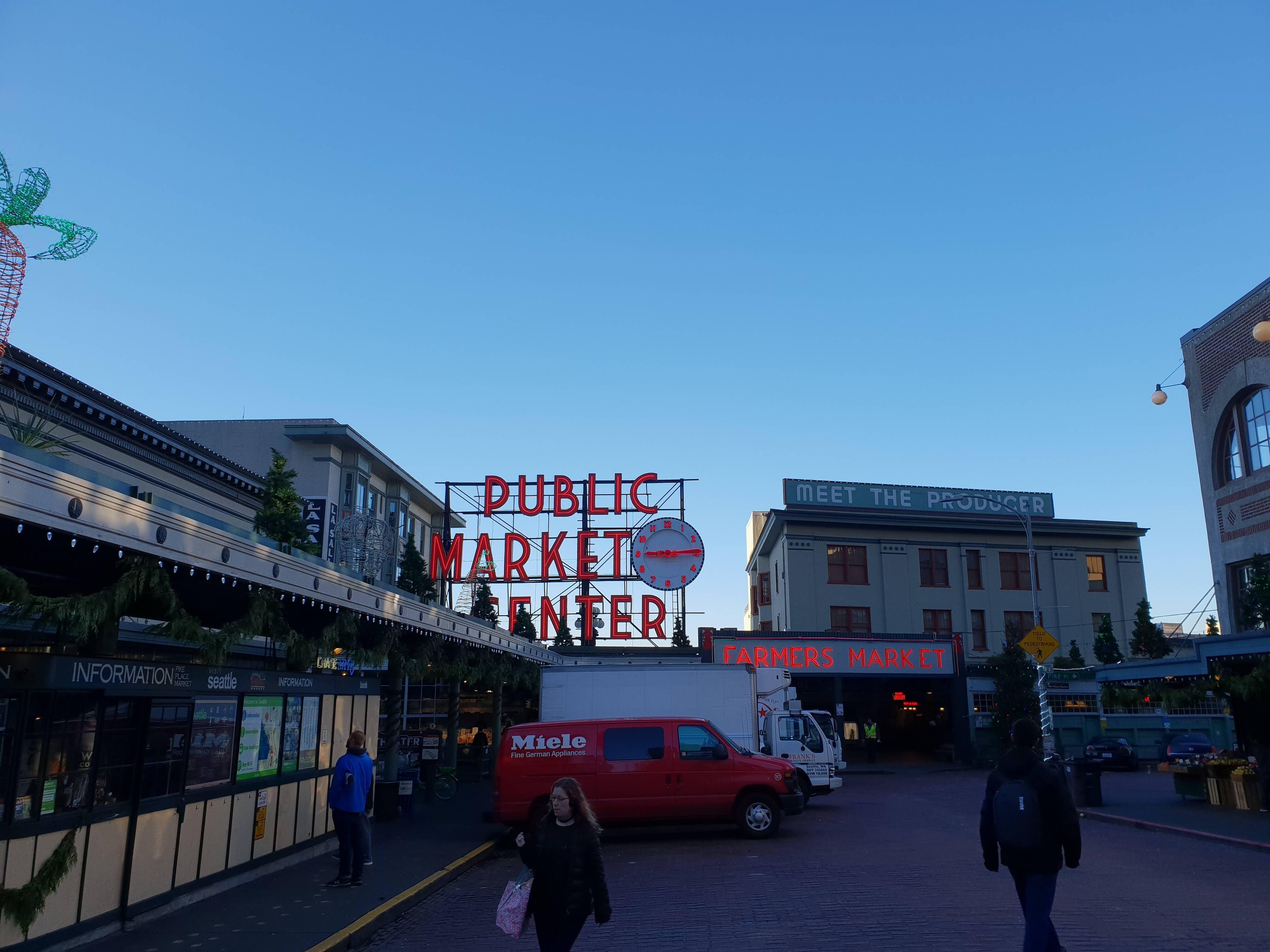
Fortunately we have one day of rest before Leap starts on Tuesday. The Monday we spend in Seattle. Starting the day with a nice breakfast at Pike Place.
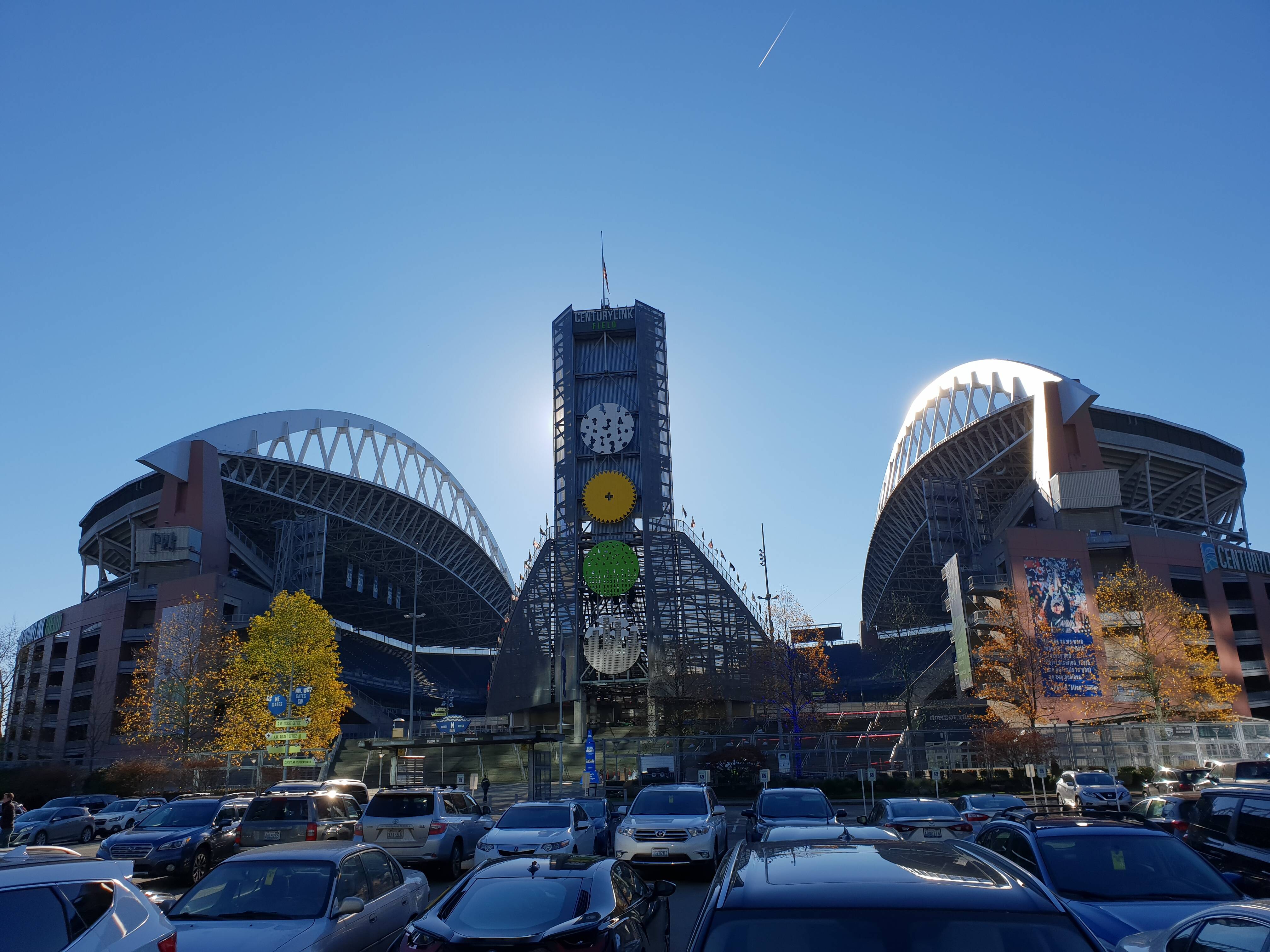
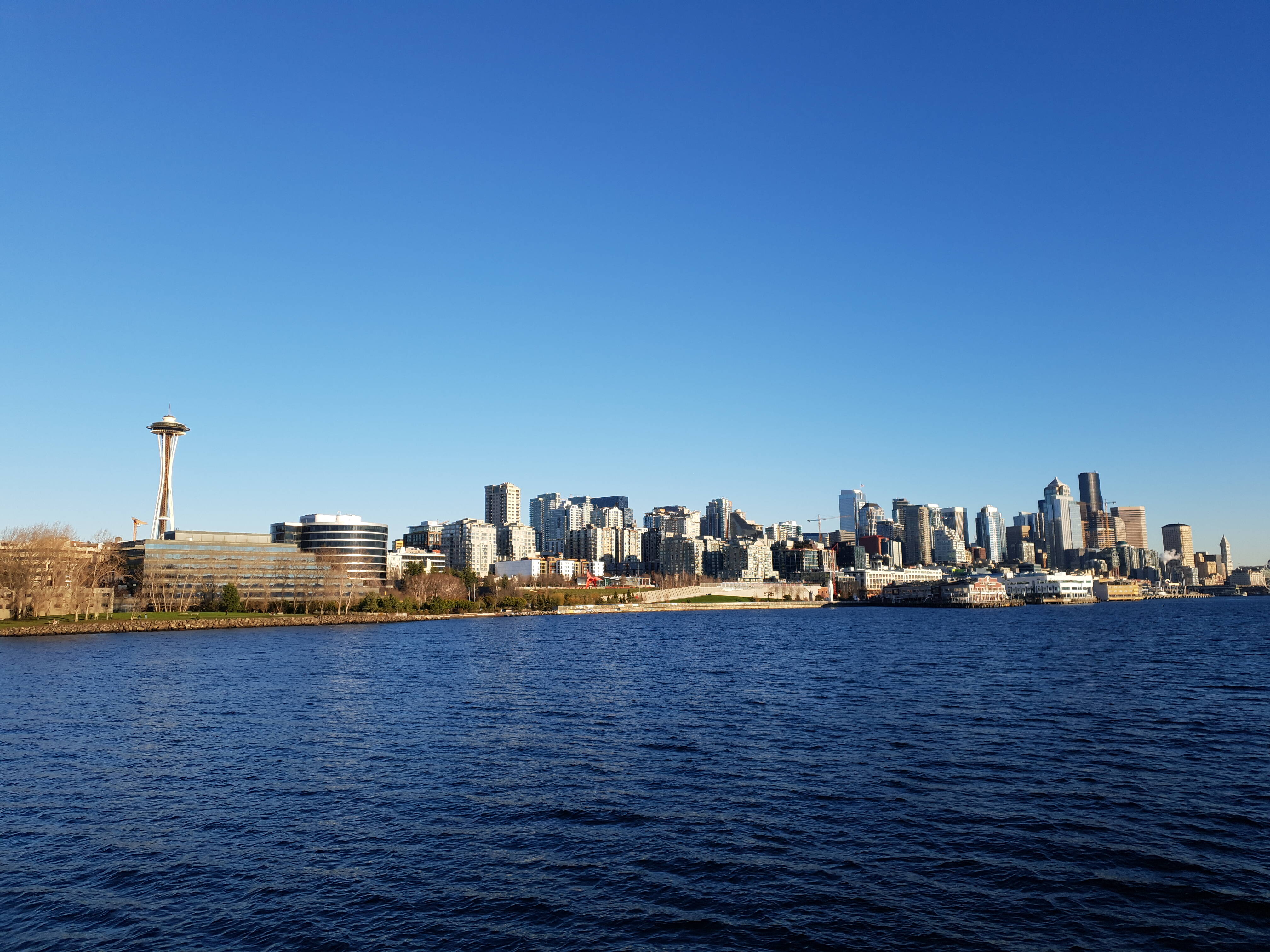
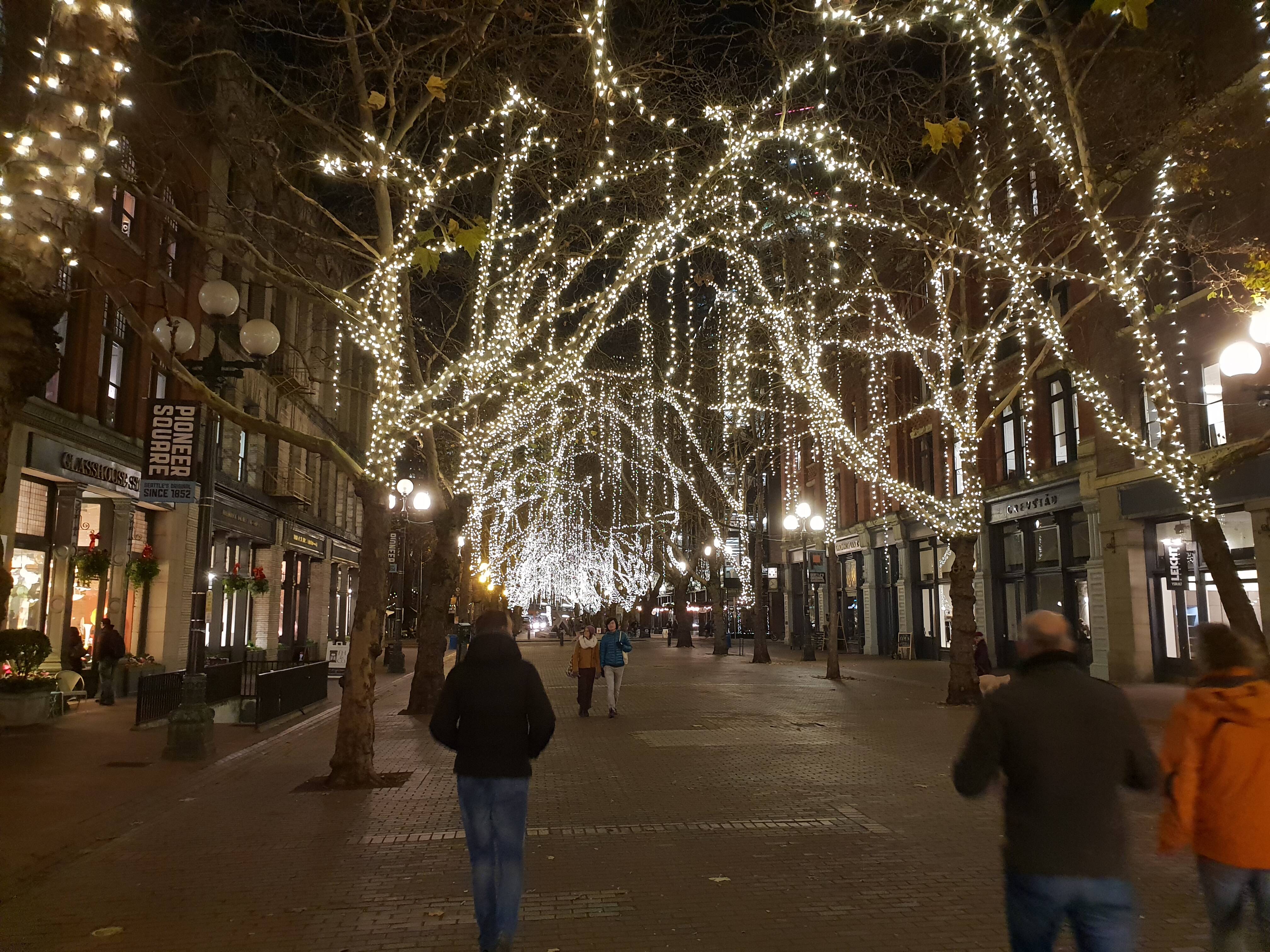
After breakfast we went for a long walk trough downtown Seattle. In the afternoon we did a Locks tour by boat. A wonderful activity to get through your jetlag with a great view from Seattle. In the evening we end up in the Pike Brewery where we have met more Leap participants.
Finally it is Tuesday, Start of LEAP
After I have seen almost every hour on the clock during the night, I woke up early. The bus was leaving the hotel at 7:15 to the Microsoft Campus in Redmond where we were expected in the EBC (Executive Briefing Center) for breakfast.
Business - Technical
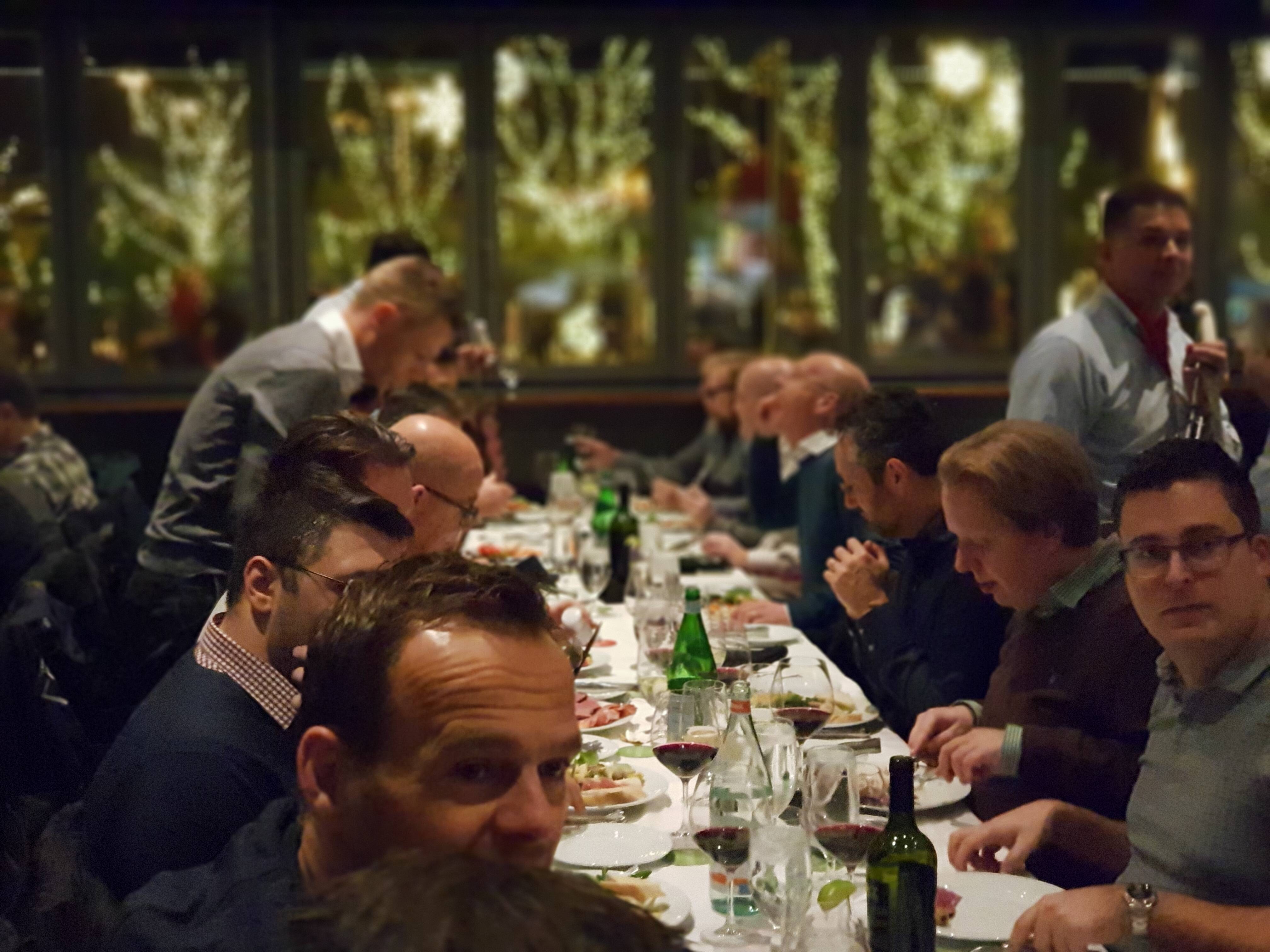
In the morning we have tracks with the whole group, in the afternoon we split up in Business and Technical tracks. The first day is dedicated to various sessions about Azure, DevOps and Digital Transformation for Partners. In the afternoon I have followed the technical sessions where we talked about DevOps, DataBricks and DataLake. Super cool to see how open all Program Managers are. All sessions are dedicated to questions that we have and which were all answered well. We ended the day with a group dinner.
Day 2
Day 2 is kicked off by Rohan Kunar, CVP Azure Data, followed by a session on AI and Serverless Architecture. In the afternoon we talked this time about IOT and Machine Learning. We closed the evening with dinner in a Brazilian Restaurant, the atmosphere was great and some participants will remember this evening for the time being.
What happened in Seattle stays in Seattle!
3 Wonderful days are coming to an end
The last day we started with a White Board session of the Distinguished Architect of Microsoft, a beautiful session in which many topics about the use and the future of data.
We closed the morning with a Technical session about the Power Platform.
Seattle by Night
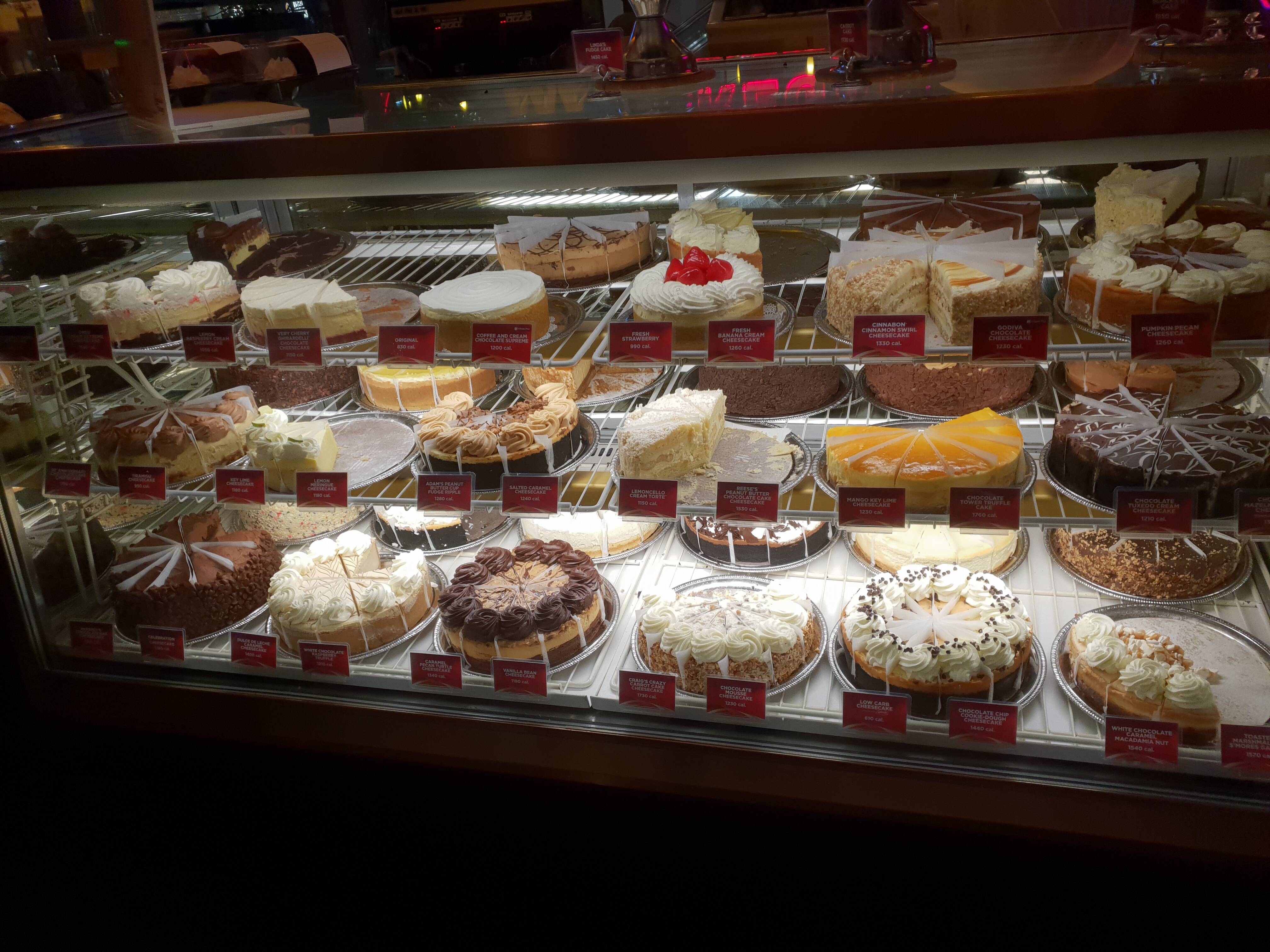
After a few hours of rest, yes the jet lag still works, we finalized the day in Seattle with some other participants with a drink at the Taphouse Grill, if you are in Seattle, a must to visit, they have more than 150 beers on tap. For dinner we end up in the CheeseCake Factory.
I had 3 top days, thanks for the organization and the super nice program. Personally, I got a lot of energy out of these days and good to see that we are on the right track as Axians.
See you next time.