This Thursday May 13th 2021 I've been speaking during Cloud Lunch and Learn Marathon 2021. It was the first Cloud Lunch and Learn Marathon conference, more then 1200 registered attendees, 24hours Live and pre recorded sessions. Amazing. A big compliment to the organizers and thank you for having me.
This Saturday I've been speaking during Scottisch Summit 2021. It was my first Summit, but is was a great event, with more than 400 sessions covering the full Microsoft Stack in 7 different language English, Spanish, German, French, Italian, Portuguese and Polish. Proud that I was to able to join and to present.
Azure Data Factory
I presented a session on if there is a way that we can build our Azure Data Factory all with parameters based on MetaData?
In the beginning of my sessions the audio wasn't that well. I just double checked my uploaded recording and in there audio was fine.
For my Azure Data Factory solution I wanted to Parameterize properties in my Linked Services. Not all properties are Parameterized by default through the UI. But there's another way to achieve this.
Linked Service
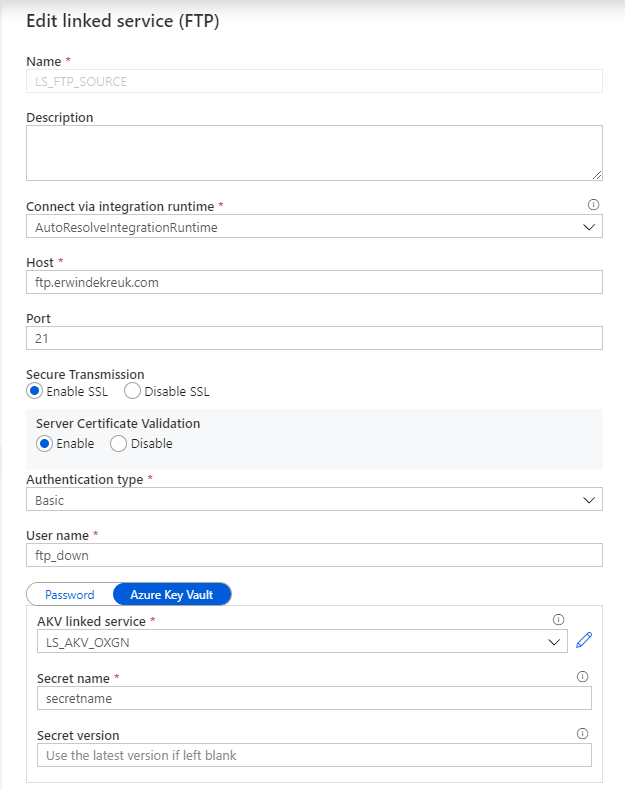
Open your existing Linked Services.
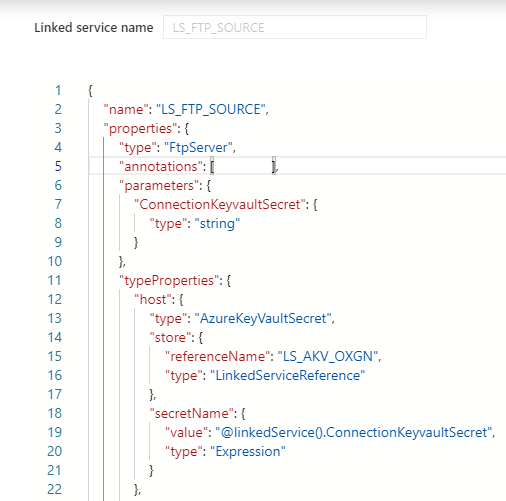
In this situation I want to Parameterize my FTP connection so that I can change the Host name based on a Azure Key Vault Secret.
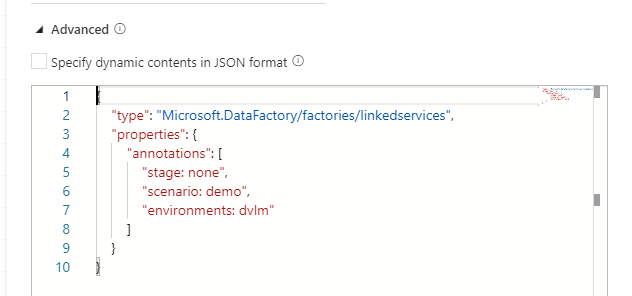
By default is this not possible through the UI but in the Bottom of your Linked Service there is a Advanced box
If you enable this box you can start building your own connection, but also create your own Parameters for this connection.
How to start:
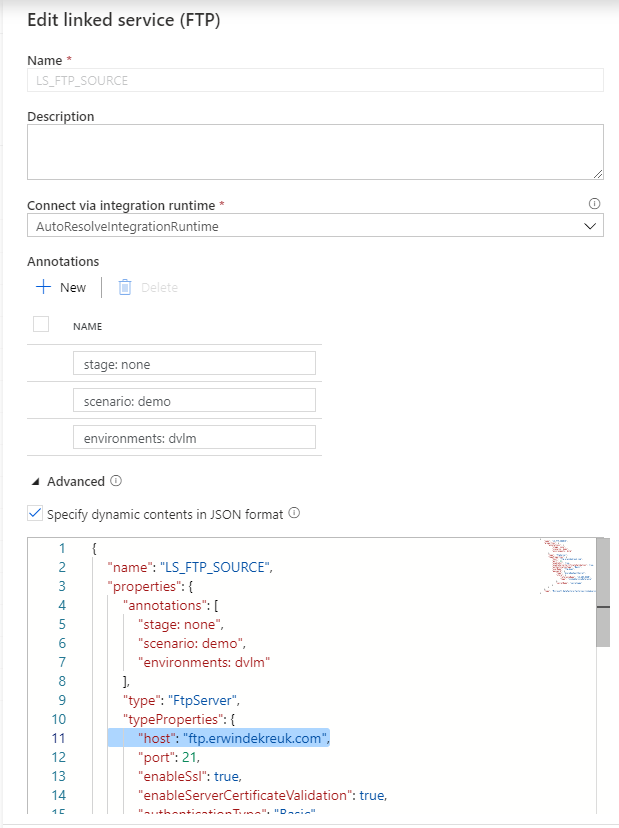
As a base we will use the default code or our connection
After you have done this, you need to specify for which properties you want to use this parameter. In my case I want to read the parameter form my Azure Key Vault for my HOST propertie.
The JSON code below will now use above parameter as an input.
Save your connection and you will see that your UI is changed and that you have to define all your setting through the Advanced Editor.
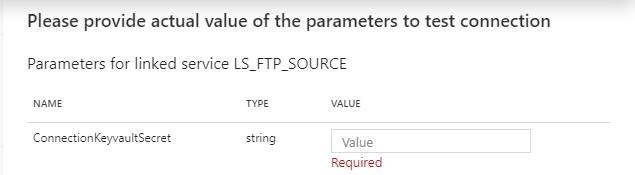
If you test your connection you will now see that you have to fill in a parameter.
And now you can create parameters of every TypeProperties within your connection.
The code below will create Parameters for your Host, Username and Password entries with Azure Key Vault enabled. For the authenticationType you have to choose between Basic and Anonymous. But can also at this to your Azure Key Vault.