Azure Purview March Updates
Azure Purview updates
Announcements
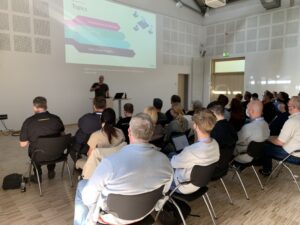
Last week during SQLBITS, quite a few new updates were announced. I would like to include you in these announcements.
March updates
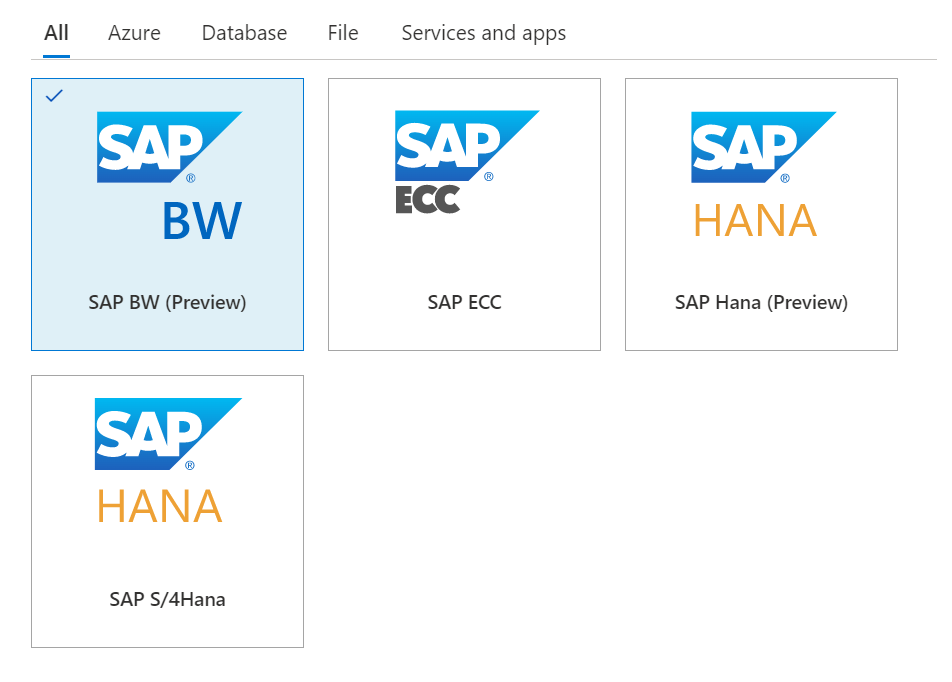
Support for SAP Business Warehouse (Preview)
Blogpost:
Documentation:
https://docs.microsoft.com/en-us/azure/purview/register-scan-sap-bw
Dynamic lineage extraction from Azure SQL Databases (Preview)
Documentation:
Video:
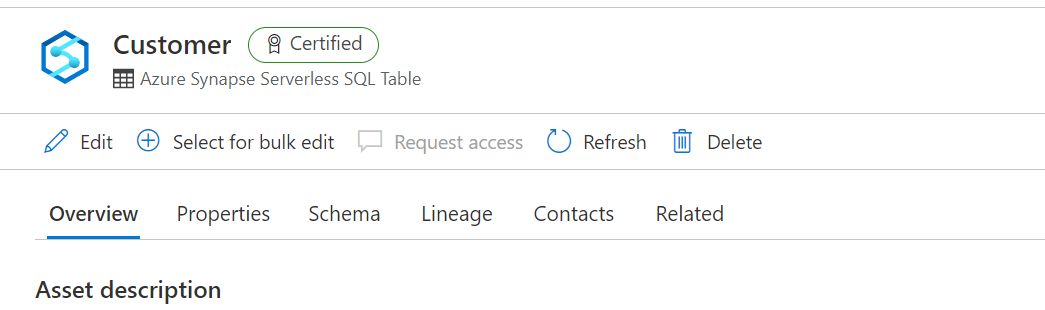
Certify assets in the Azure Purview data catalog
Blogpost:
Documentation:
https://docs.microsoft.com/en-us/azure/purview/how-to-certify-assets
Ability to delete child terms when parent term is deleted
Documentation:
https://docs.microsoft.com/en-us/azure/purview/how-to-create-import-export-glossary
Connect to and manage an on-premises SQL server instance in Azure Purview
Documentation:
https://docs.microsoft.com/en-us/azure/purview/register-scan-on-premises-sql-server
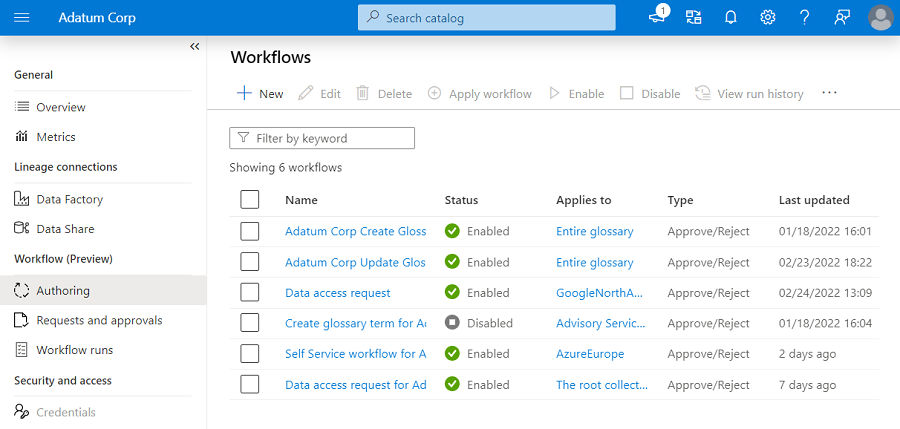
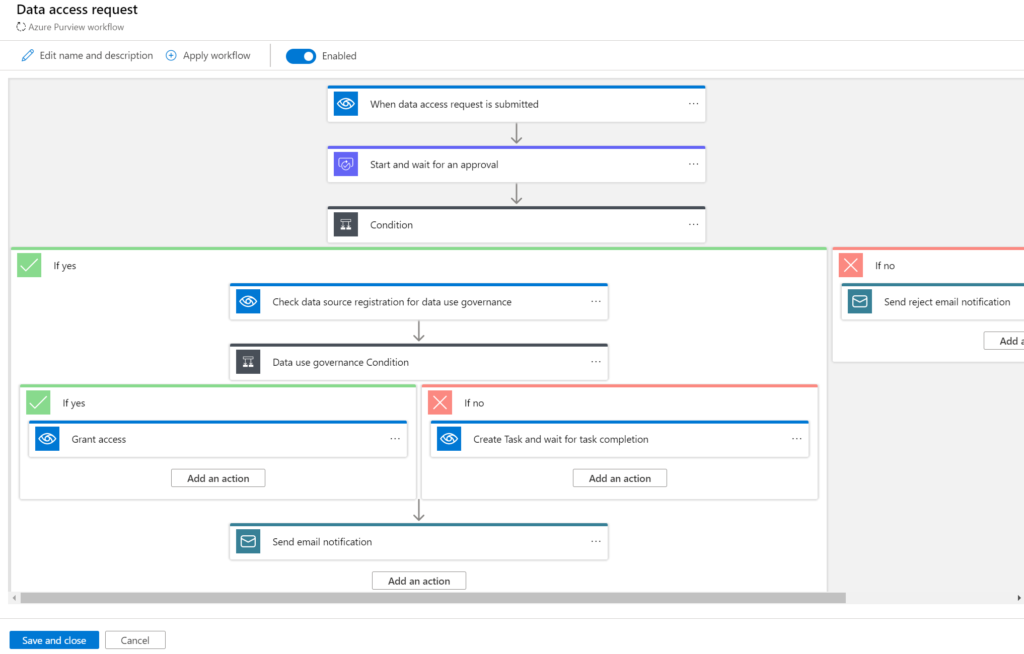
Approval workflow for business terms (Preview)
Before you can start Authoring your workflows make sure you the correct user to the role assignment Workflow administrators, if you haven't done that correctly the option will be greyed out.
Blogpost:
Approval workflow for business glossary
Documentation:
https://docs.microsoft.com/en-us/azure/purview/how-to-workflow-business-terms-approval
Self-service data access workflows for hybrid data estates (Preview)
Documentation:
https://docs.microsoft.com/en-us/azure/purview/how-to-workflow-self-service-data-access-hybrid
Azure integration runtime supports scanning more source types
Azure Purview now supports scanning Snowflake, Salesforce, PostgreSQL, MySQL, Cassandra and Looker using managed Azure integration runtime.
Blogpost:
Documentation:
https://docs.microsoft.com/en-us/azure/purview/manage-integration-runtimes
Localization
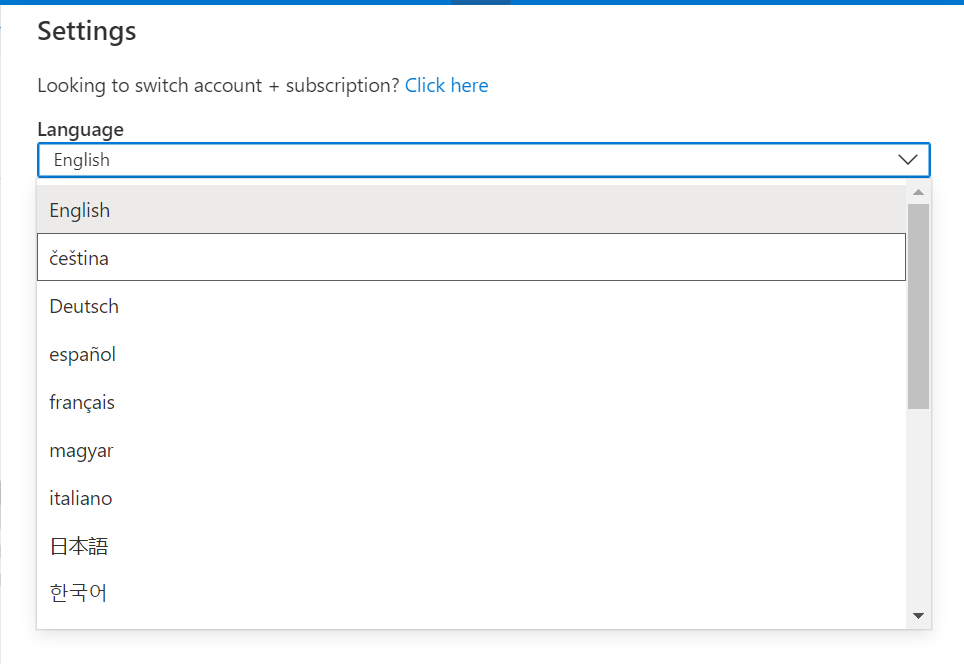
Azure Purview is localized in 18 languages. To change the language used, go to the Settings from the top bar and select the desired language from the dropdown.
Blogpost:
Documentation:
https://docs.microsoft.com/en-us/azure/purview/use-azure-purview-studio#localization
My first Virtual session in 2022 for Dataminds
DataMinds
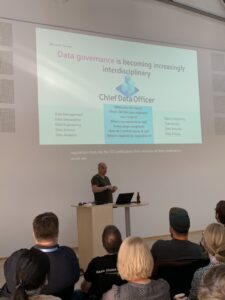
This Tuesday I've joined the DataMinds user Group to talk about Azure Purview.
Azure Purview
It was the first session of the year for both me and DataMinds. Some great questions during the session, thank you for that.
You can find my slides below on Slideshare:
In case you have any questions left please feel free to ask them via the comment or Socials
My Virtual session DataWeekender 4.2
DataWeekender 4.2
This Saturday I've joined the Van and Spoke at DataWeekender
Azure Purview
I presented a session on Azure Purview Microsoft's answer to Data Governance and Data Lineage
You can find my slides below on Slideshare:
As always, in case you have any questions, please feel free to contact me.
In case you have any questions left please feel free to ask them via the comment or Socials
Enable Pattern Rules in Azure Purview
How can I enable Pattern Rules?
Pattern Rules
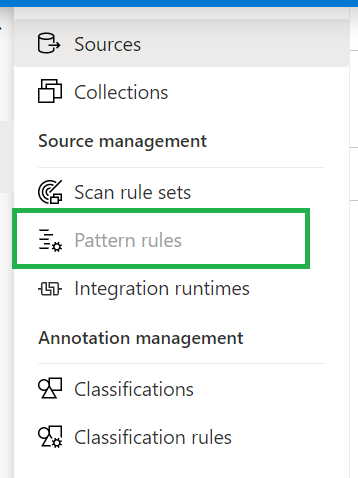
Last night I was preparing for a demo with Azure Purview. As always, I walk through all the activity hubs to see if there are any new options. This time I noticed that the Pattern Rules option was greyed out.
Resource Set
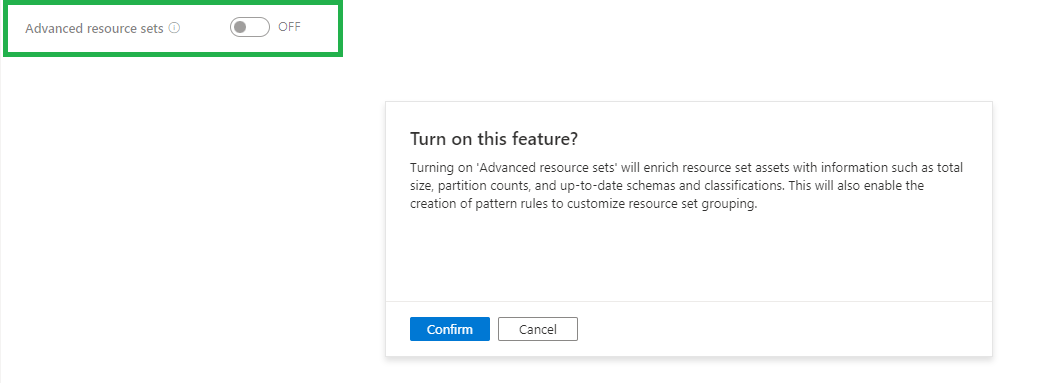
To enable this Pattern Rules you need to enable the option Advanced Resource Sets in the Management Activity tab.
The Resource set was already present in my Purview Account which was created before August 19th, so it was surprise for me that the pattern rules where greyed out for me.
My Demo Purview account was created after August 19th and there differences between the 2 versions and available options/features. What has changed Azure Purview after August 19th can be read in my previously written blog.
Once you have enabled this feature, the Azure Purview team recommends waiting an hour before scanning in new Data Lake data. After scanning your Data Lake data manual or scheduled, you will see the Resource Sets.
When advanced resource sets feature is on, asset and classification insights will only update twice a day(every 12 hours).
More details on how to create Resource Set Pattern Rules, can be found here.
Costs
When you have enabled Advanced Resource Set feature you will be charged €0.18 per 1 vCore Hour(Free in preview). Billing for processing the resource set data assets is serverless and based on the duration of the processing, which can vary based on the change in partitioned files and resource set profile configured.
If you have any questions regarding the above, please let me know.