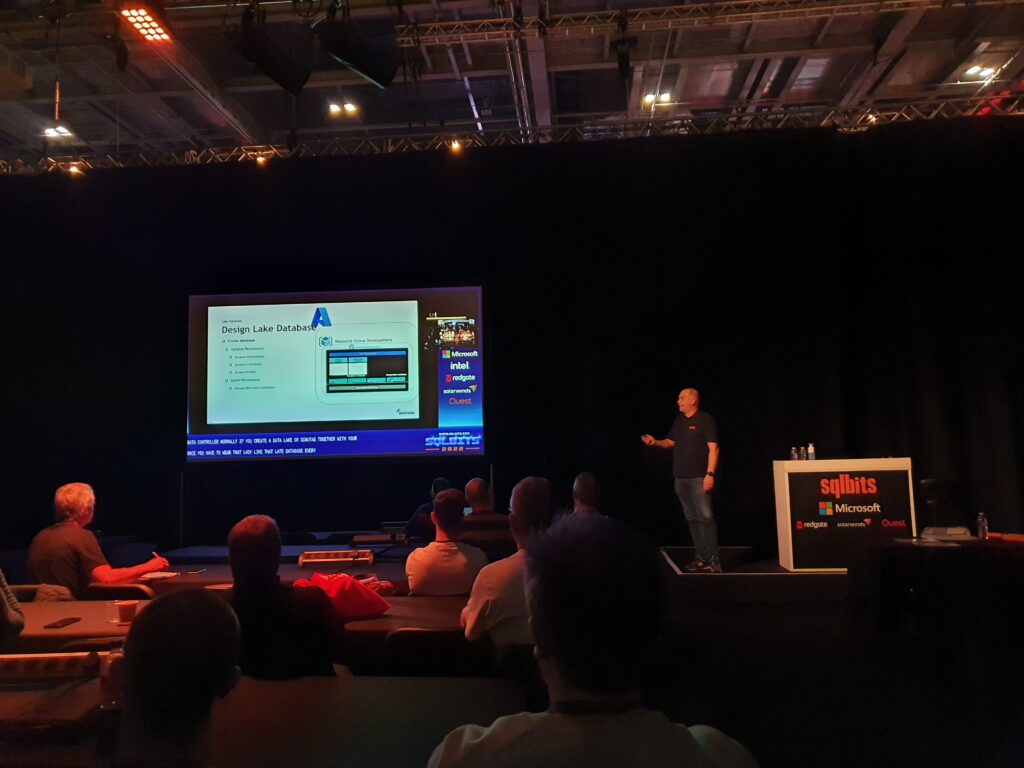
All sessions of SQLBits 2022 have been made available to everyone and can now be viewed via their Youtube channel. Microsoft asked me to present me this session during SQL Bits in the Cloud Scale Analytics solution area.
Session Title:
Lake Database with Database Template and Mapping Data with Azure Synapse Analytics
Description:
Database templates in Azure Synapse Analytics are blueprints which can be used by organizations to plan, architect and design solutions.
How can we use these Database Templates in a day-to-day business, in order to speed up to automate this process? Map data tool can help us with that. The map data tool can generate a mapping data flow without having to start from a blank canvas. In this presentation, you will see how this all works in a step-by-step demo-based session.
During SQL Bits the Mapping Data tool was still in Preview, the great news is that this functionality is now GA.
SAVE THE DATE
SQLBits 2023 will back next year 14 - 18 March 2023, so mark you calendars.
There have been quite a few updates in Azure Data Factory and Azure Synapse Analytics in the last few days. Below is a summary of these updates:
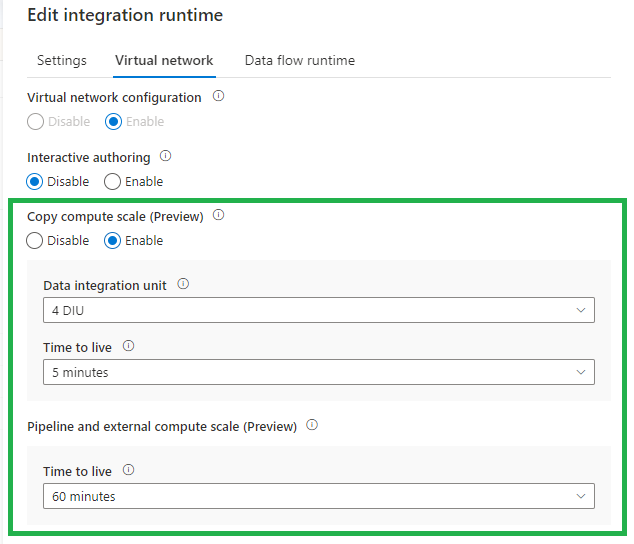
Time-To-Live (TTL) on Integration Runtime with managed virtual network enabled
The new TTL functionality, currently in Preview, will save you a lot of time. Instead of provision compute for every copy activity execution, with this new option the provisioned compute will be reserved. You can set this new option on every Integration Runtime with Managed Virtual Network enabled. Very handy and will advise you to do this direclty. This option is also available in Azure Synapse Analytics.
CI/CD improvement using Global Parameters in Azure Data Factory
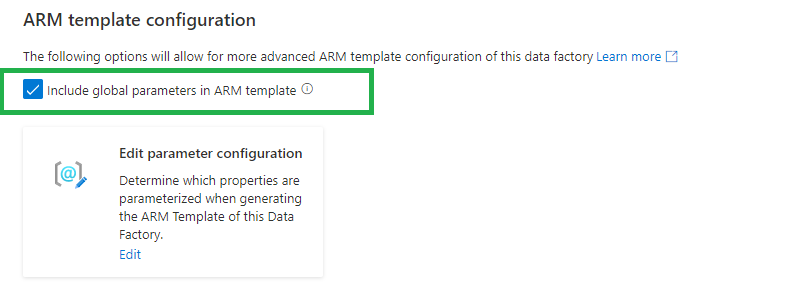
We used to have a PowerShell script to add the Global parameters to our CI/CD pipelines. Now we can include these as Override Parameters in our Deployment/Release Pipeline. Very handy and easy.
Deprecated:
New:
If you are using the arm-template-parameters-definition.json file to customize your parameters make sure you add the global parameters to this file. Otherwise you cannot override the parameters in the Deployment/Release Pipeline.
When we have created a Global Parameters Environment, we have now have the option to override this parameter option during the release:
Public Preview of the SAP CDC solution in Azure Data Factory
The new SAP ODP connector leverages SAP Operational Data Provisioning (ODP) framework, which is an established best practice for data integration within SAP landscapes. ODP provides access to a wide range of sources across all major SAP applications and comes with built-in CDC capabilities. In combination with the predefined data flow templates to process and update the changed records to any sink, this makes SAP data integration into Azure very much straight forward.
You can now choose whether to enable preview experiences/functionality in your Azure Data Factory.
There are 2 ways how you can enable this preview experience:
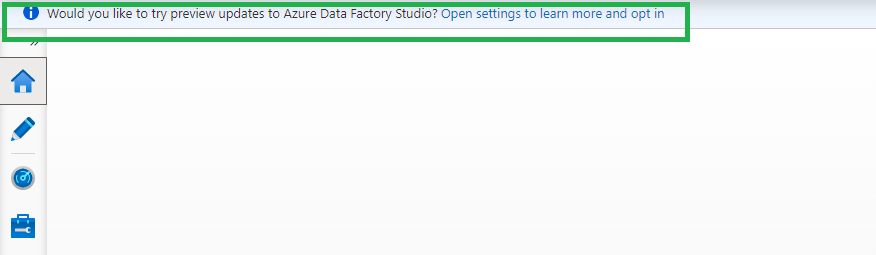
When opening the portal you will see banner, just click on the Open settings to learn more and opt in. link
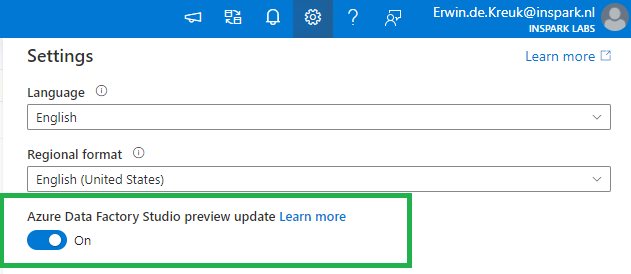
Or open the setting pane on the right top and enable the toggle Azure Data Factory Studio preview update.
Current Preview Updates
Currenlty the following options are available as preview features:
Dataflow data experimental view
Configuration panel
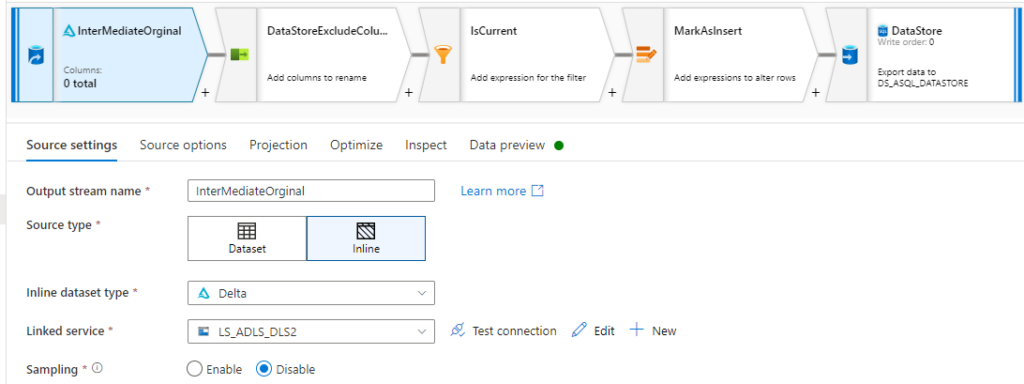
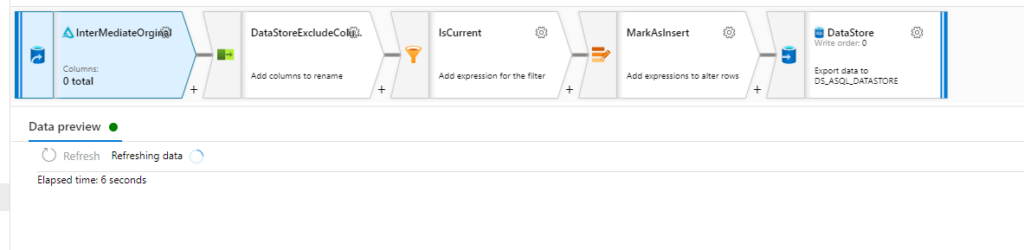
The configuration panel will only have Data Preview that will automatically refresh when changes are made to transformations.
Before:
After:
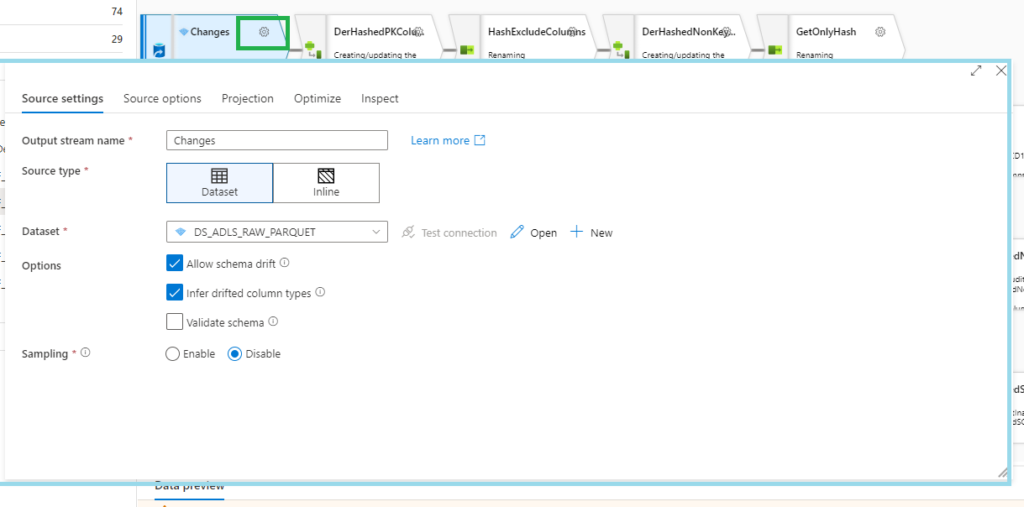
Transformation settings
A pop-up will now appear when you want to change your settings
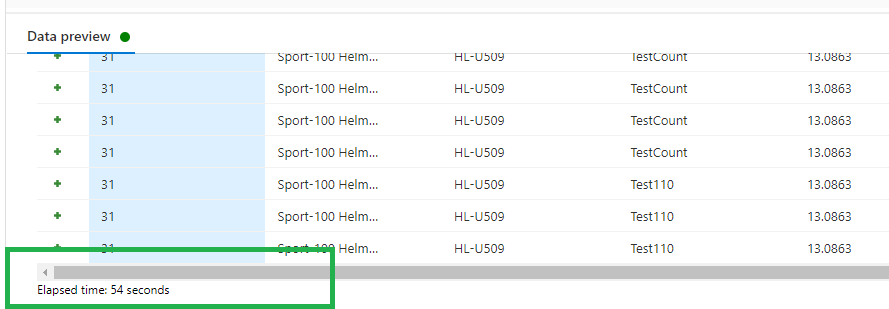
Data preview
Data preview now includes Elapsed time (seconds) to show how long your data preview took to load.
Pipeline experimental view
Adding activities
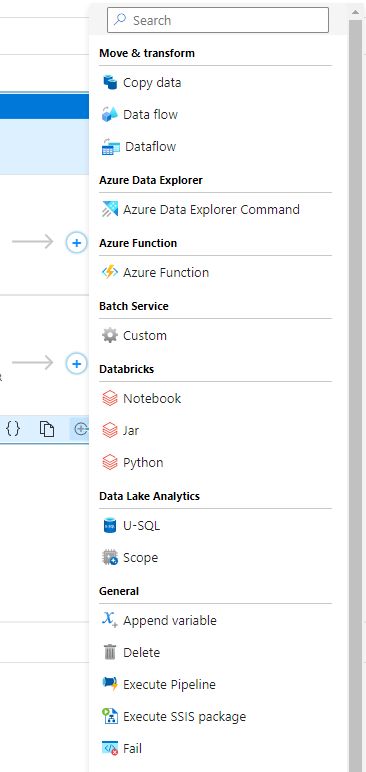
You now have the option to add an activity using the Add button in the bottom right corner of an activity in the pipeline editor canvas. Clicking the button will open a drop-down list of all activities that you can add.
Iteration & conditionals container view
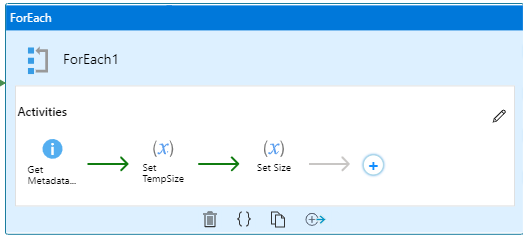
And the last one is really awesome, you now view the activities in the contained iteration and conditional activities like For each, Switch, Until and Switch
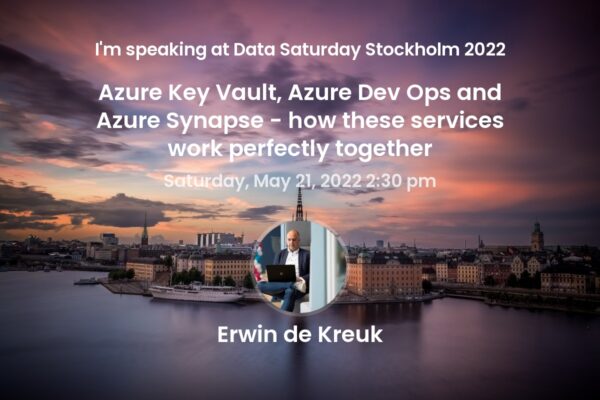
Last weekend I had the honor to speak at Data Saturday in Stockholm. About one of my favourite topics Azure Synapse Analytics. It was nice to see everyone in person again. The organization was well organized down to the last detail, Daniel thanks for that. Thanks to all the sponsors this event could happen.
Below you find my slides and in case you have questions left, do not hesitate to contact me.
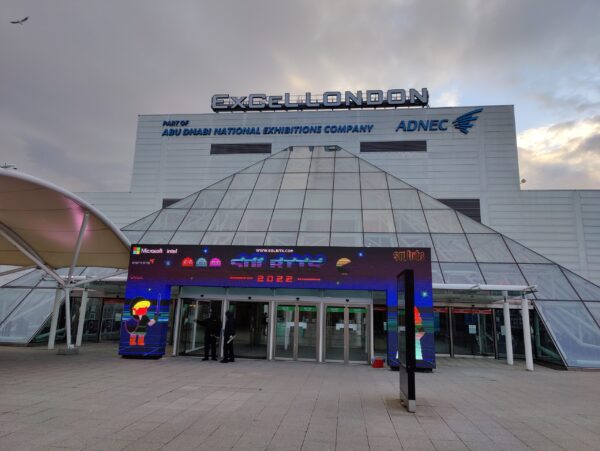
Wednesday 9th of March the time had finally come, at 1830 my plane would leave for London City. After all the preparations over the past few weeks, the time was there. After arriving in London City and checking in at the hotel, I went straight to the Venue. Wednesday evening was dominated by Games and Burgers. But for me it's mainly about having a chat with many people. Wow that was a really long time since I'd seen some of them.
Volunteer
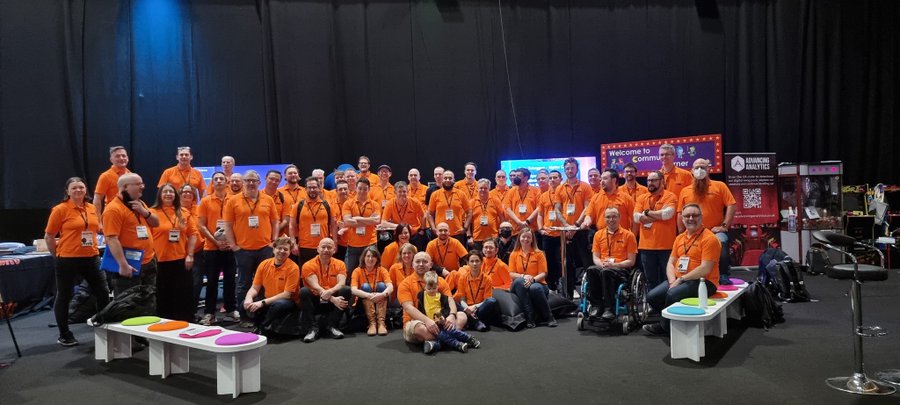
This year I volunteered for the first time. That means being at the site early every day at 7:30 AM. After we have had the briefing, each volunteer can take up his task. For me, these tasks mainly consisted of monitoring and moderating various sessions, so that the speaker can focus on his sessions and that any questions from the Virtual attendees could be passed on to the speaker. In addition to monitoring this session, you serve as a source of information and an example for visitors and you are part of the Orange Family.
Sessions
On Friday it was finally time to present my own sessions. I started the day with my session on:
Lake Database with Database Template and Mapping Data with Azure Synapse Analytics
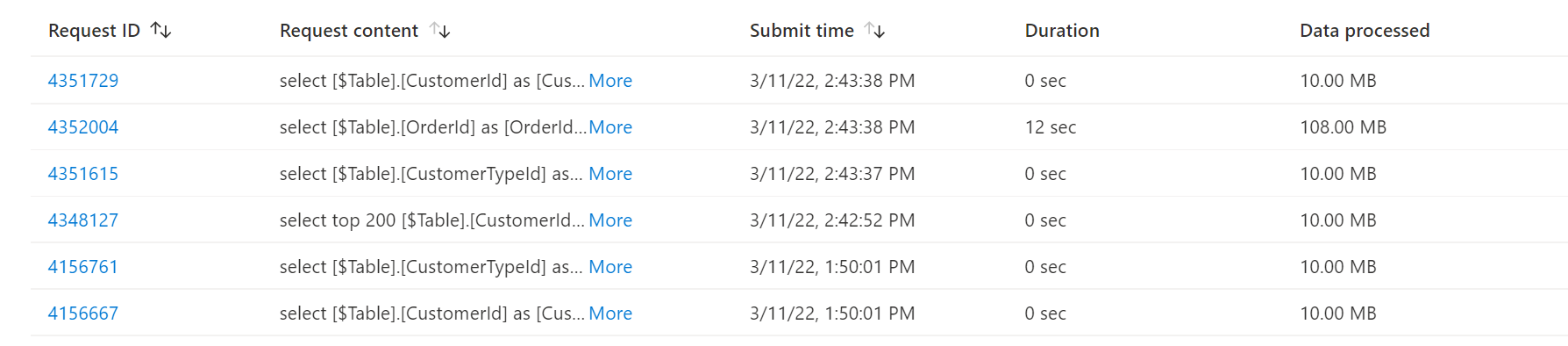
Microsoft asked me to present me this session during SQL Bits in the Cloud Scale Analytics solution area. Once again thank you Tony and Wee Hyong for inviting me. The room was well filled and there were quite a few questions, which is always very nice as a speaker. One of the questions I didn't have the answer on was: If you use Power BI on a Lake Database, will the data be read via the Synapse SQL Serverless Pool or directly from the Data Lake. Reply: The data is read via the Synapse SQL Serverless Pool and the costs are also charged for this. A good question that I hadn't thought about beforehand.
Data Governance with Azure Purview - Ask the Experts
In this session, everyone had the opportunity to ask Victoria, Wolfgang, and me for all of their questions about Azure Purview. During the session we were helped by Richard, who moderated all the questions. We had received a decent set of questions in advance and also during the session many questions were asked by both the Virtual attendees and the in Person. All in all we have given good answers, got some great feedback. It was the first time that we did an Ask the Expert session and we said to each other that we should definitely do this more often.
Final Word
The Friday evening was traditionally closed with a theme party and some can empathize with that. I've seen the craziest costumes pass by. Saturday I attended sessions all day. We ended the day with the some and drinks in an Italian restaurant. Sunday was the day of departure, testing and checking in. I can look back on this event tired and satisfied. Once again a big compliment to the organisation, volunteers and speakers for organizing this fantastic event. See you next year.
And Sponsors thank you for making this event happening. Thank you