Azure Data Factory: Save a pipeline as a Template
Erwin
Saving a Pipeline
Another great improvement in Azure Data Factory. Saving you template!
How can you save your template?
First of all you need to connect your Azure Data Factory to a GIT integration. Both Azure DevOps GIT and GitHub are supported. Please follow this link if you don’t have a Git Integration.
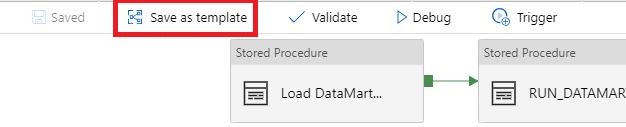
Select the template you want to save:
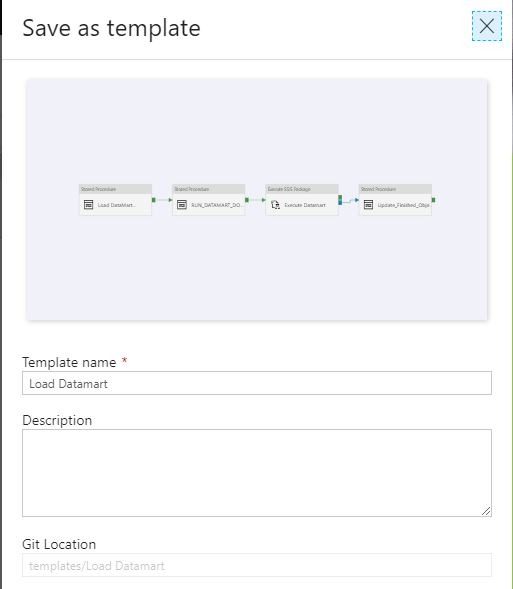
Name your template and save it to a Git Location of your choice:
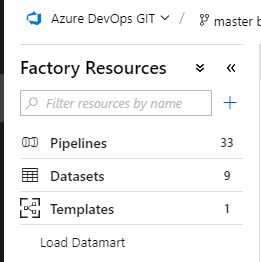
The template you have saved can be found in Factory Resources.
With this new option it will be easier to share Pipeline Activities with other Azure Data Factory instances.
And most important of saving your template it will save a lot of development time in your new instance.